Photo album manager

Create an album
Creating albums is easy and just takes a few seconds.
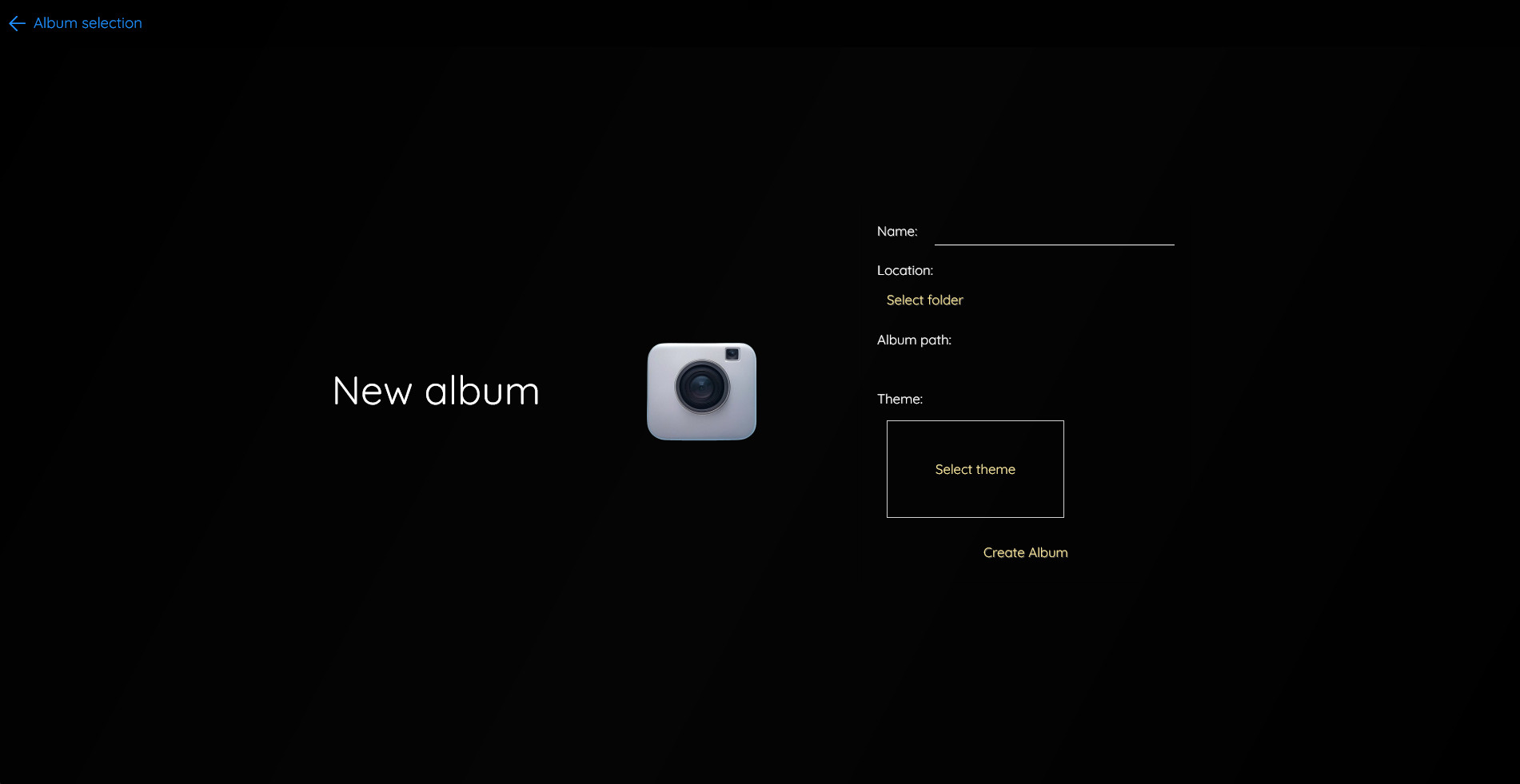
Enter a name, select a folder and a theme and you're ready to go.
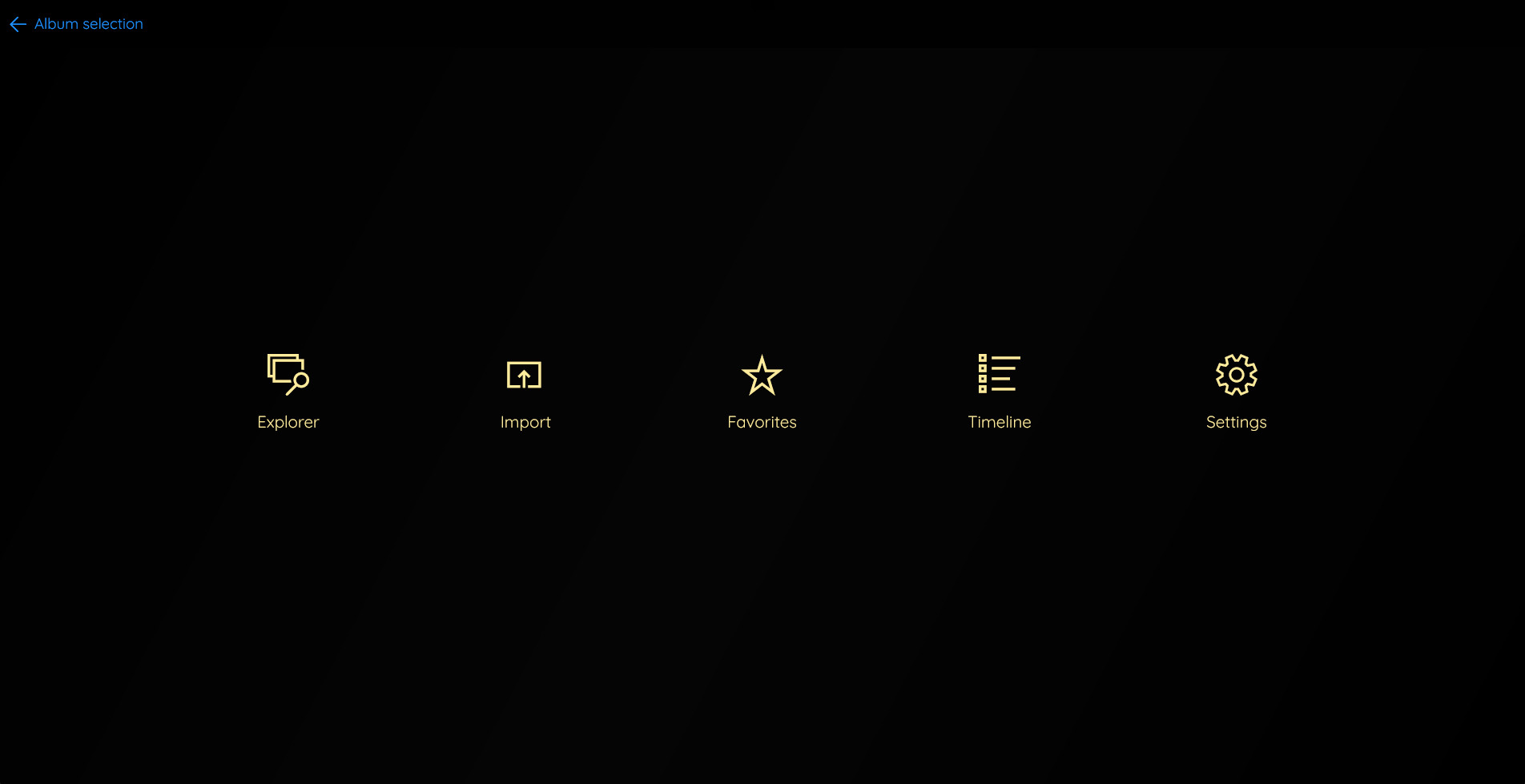
Easy import
Import photos (jpg) and videos (mp4/mov) into your album with the click of a button.
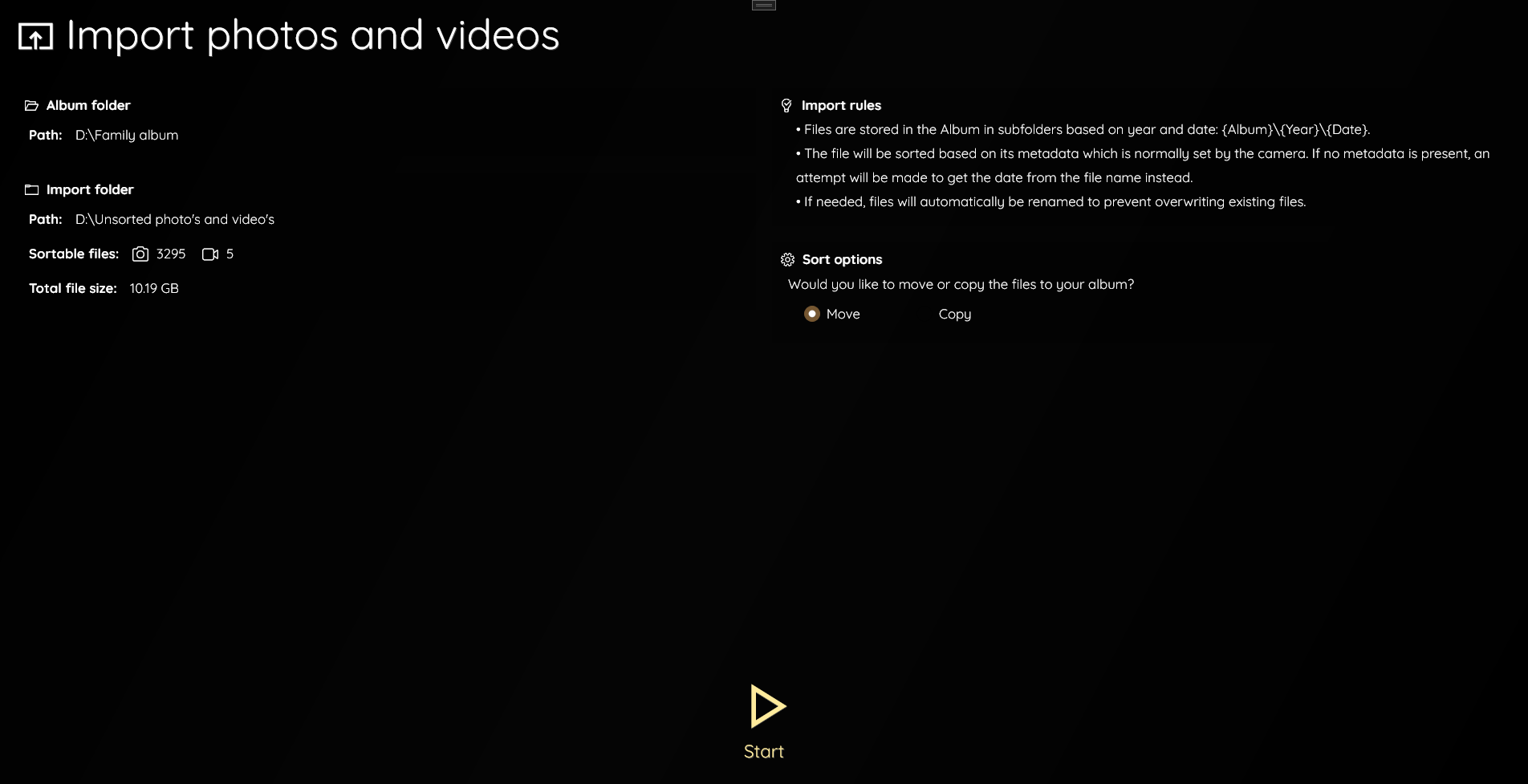
Just select a folder and press start.
Automatic sorting
Imported files are automatically sorted into subfolders based on the year and date they were taken.
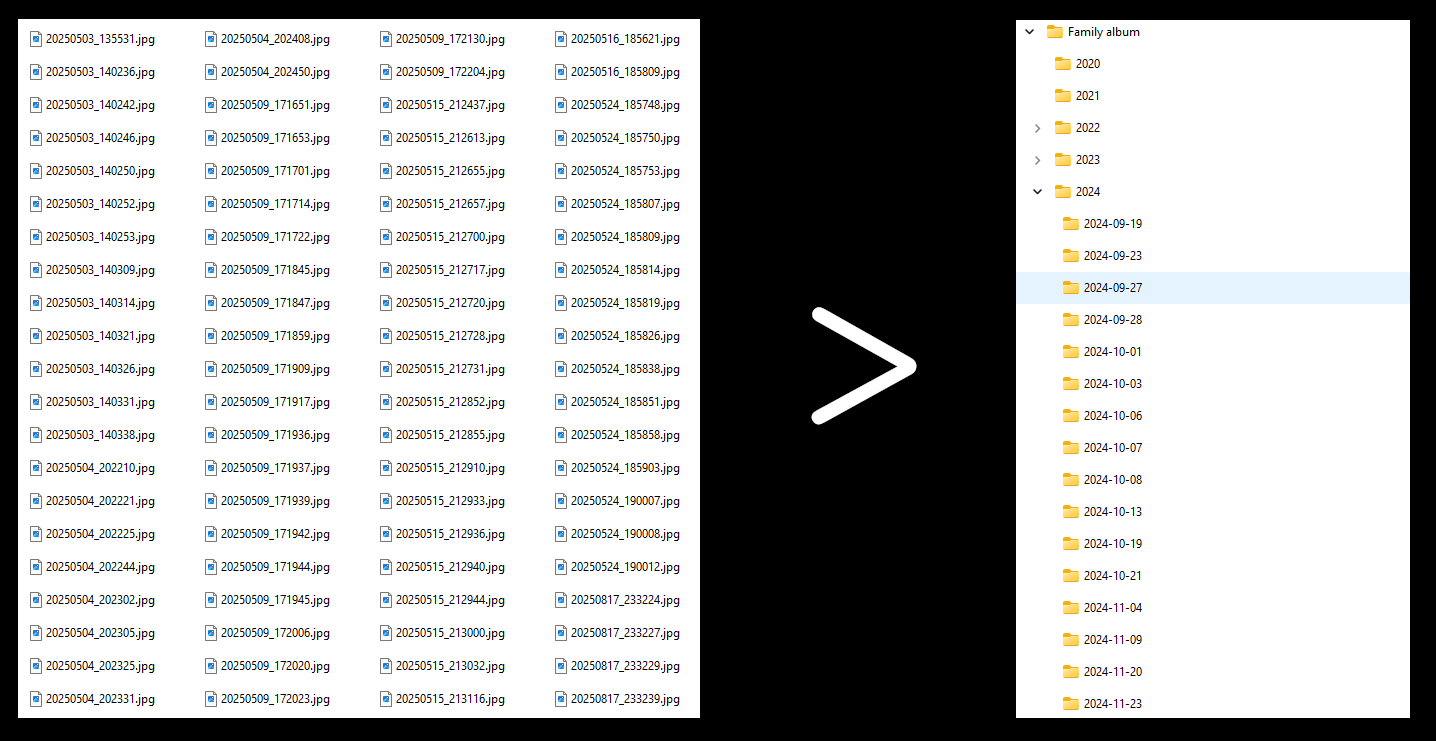
This will save you tons of time!
Timeline
Explore your album using a convenient timeline.
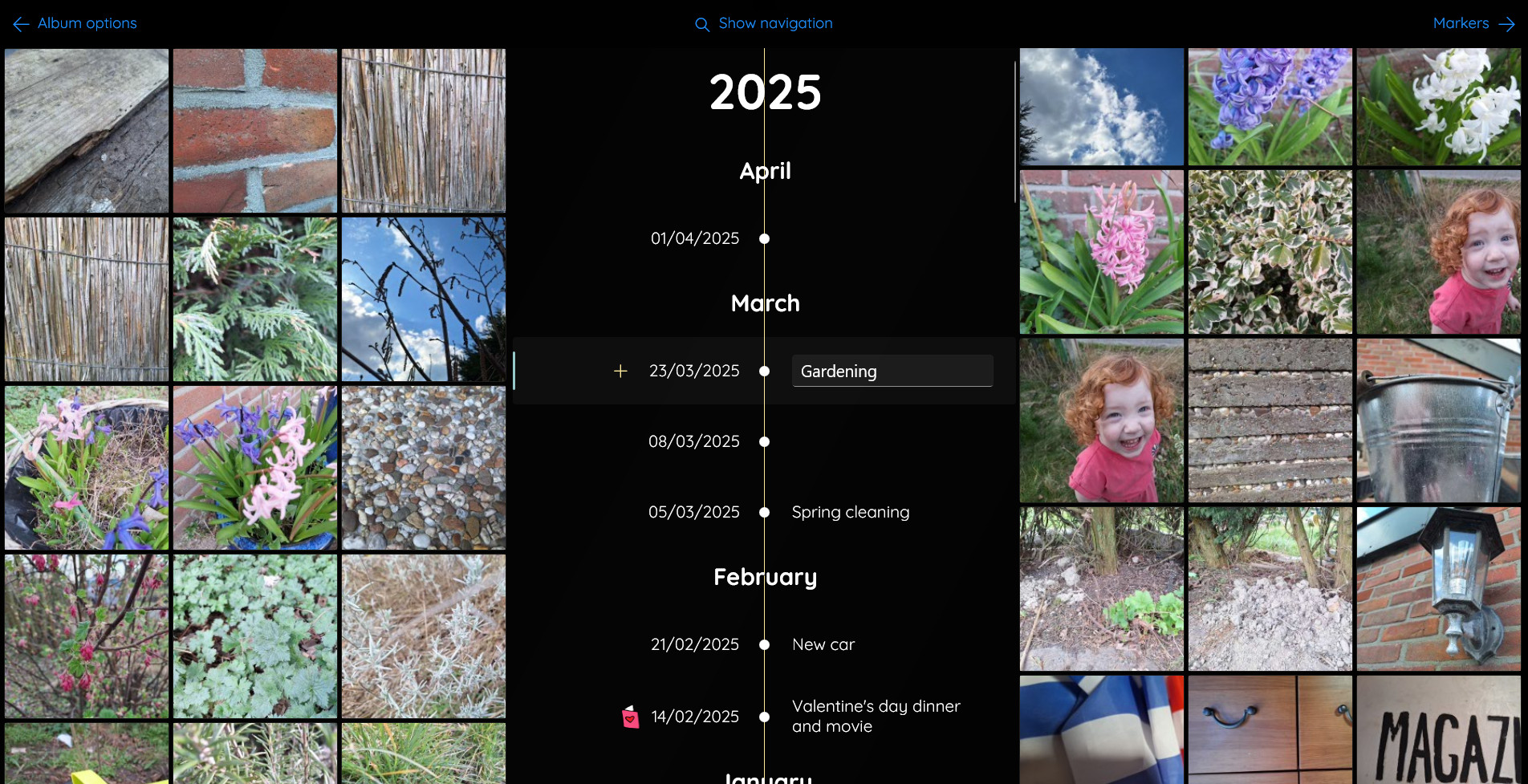
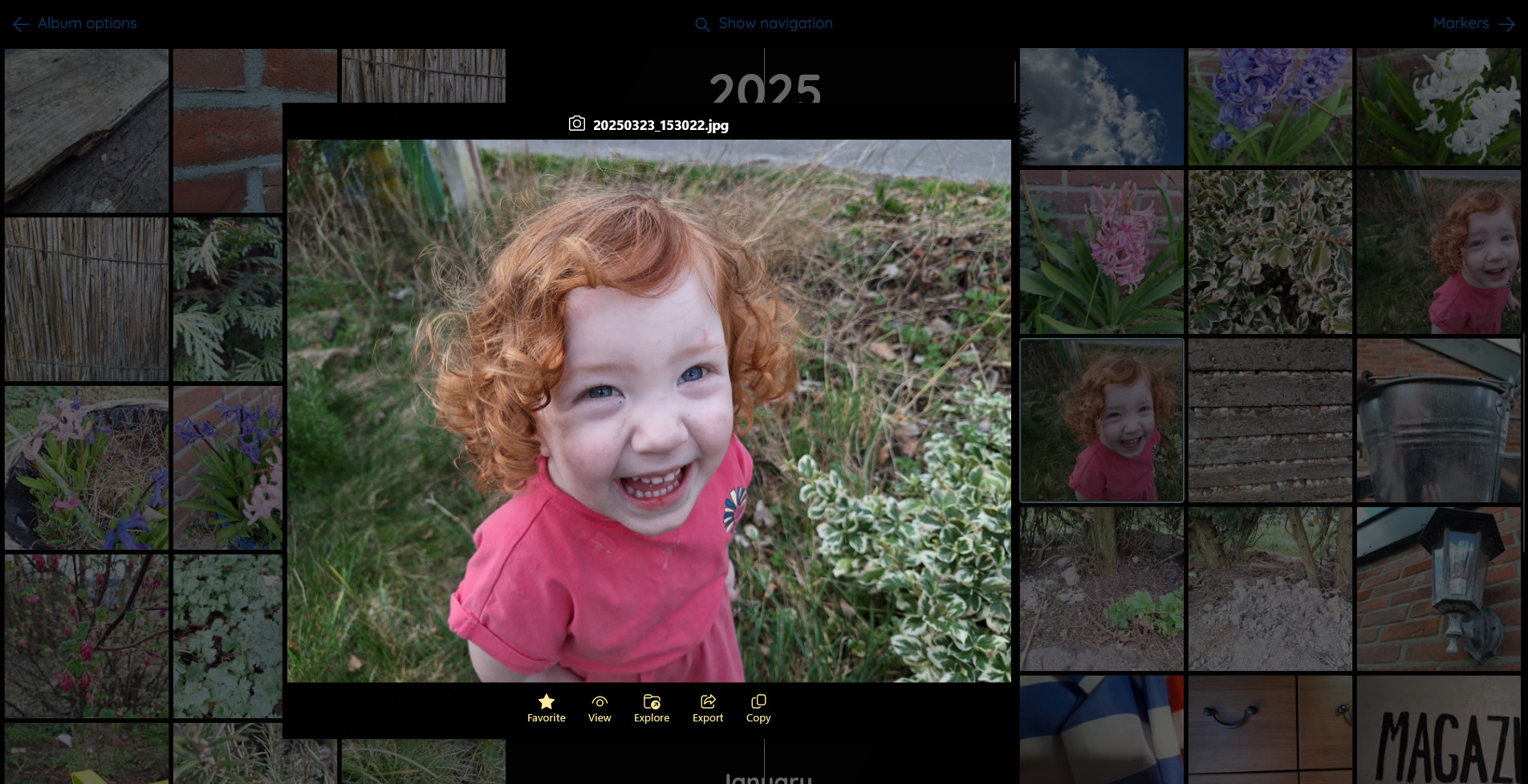
Take a scroll down memory lane!
Describe
Add descriptions to the entries, so you can easily remember what's in there.

The descriptions you add in the timeline are also added to the folders on your hard drive.
Markers and notes
Add markers to your timeline for events like birthdays, holidays and anything else that you want to remember.
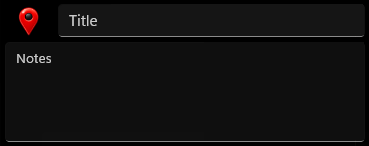
Choose from more than 100 icons to make entries stand out. See some examples below.

Diary
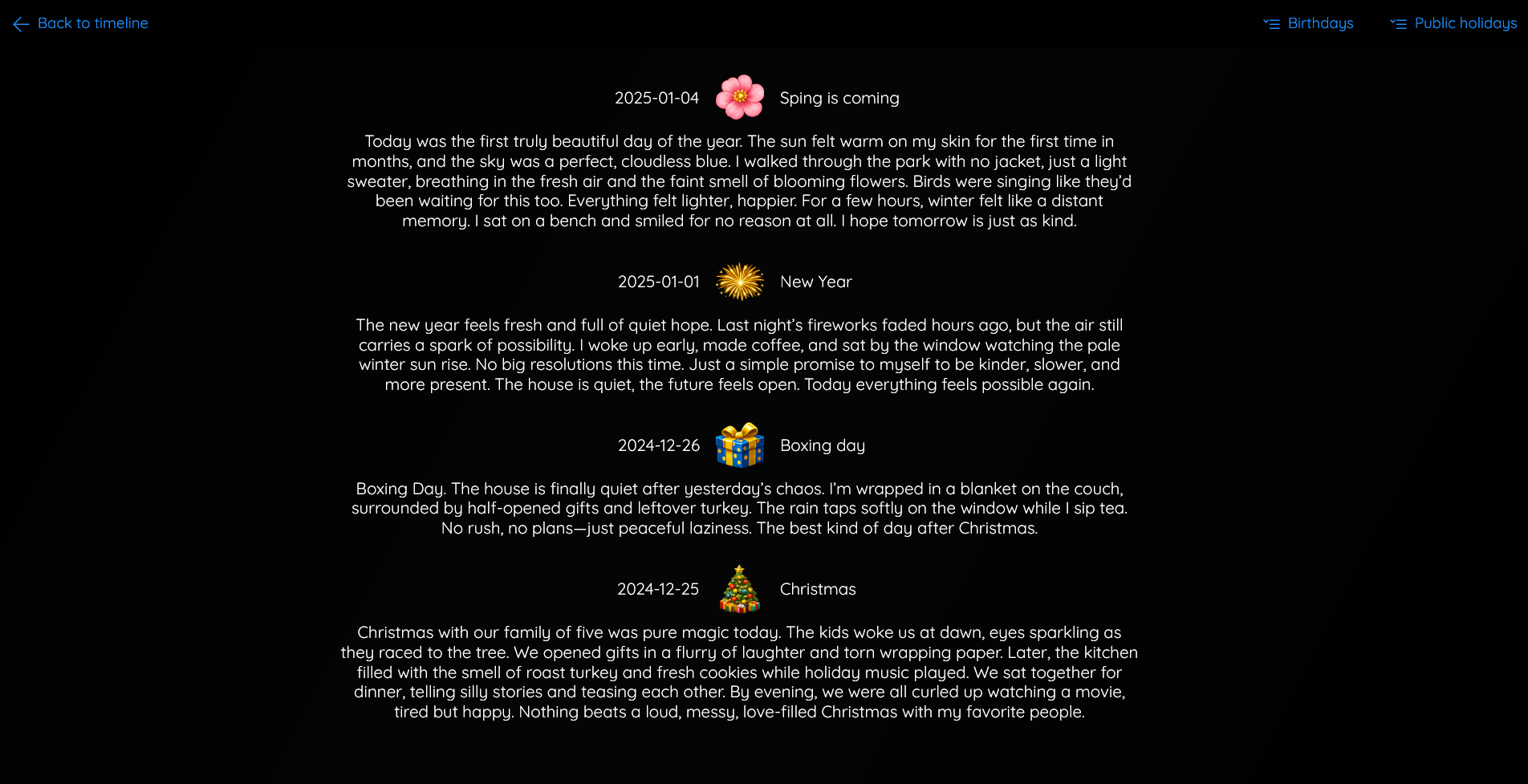
The marker overview lists all your markers and notes and functions as a diary.
Favorites
The favorites overview shows all the photos and videos that you've marked as 'favorite' in one place.
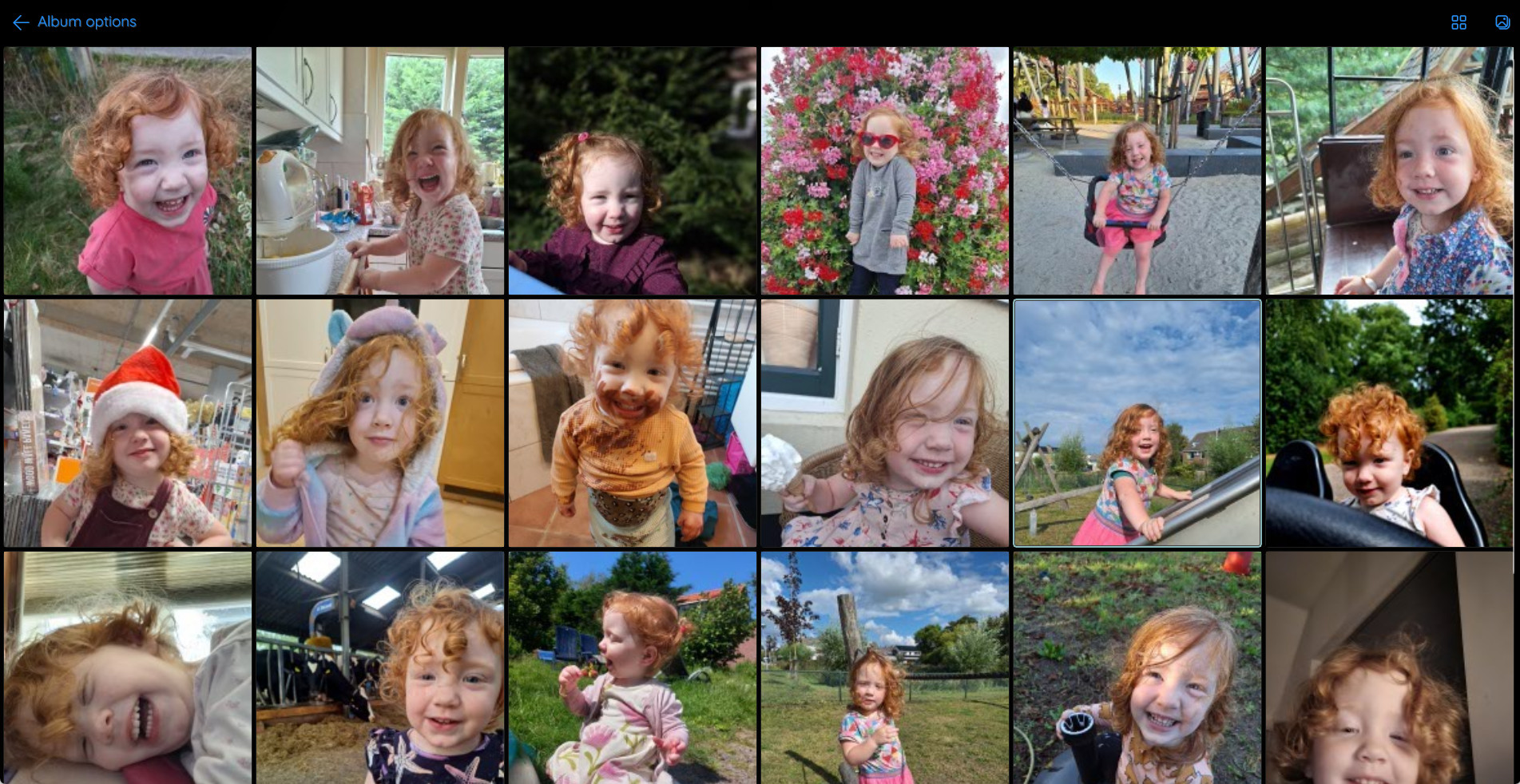
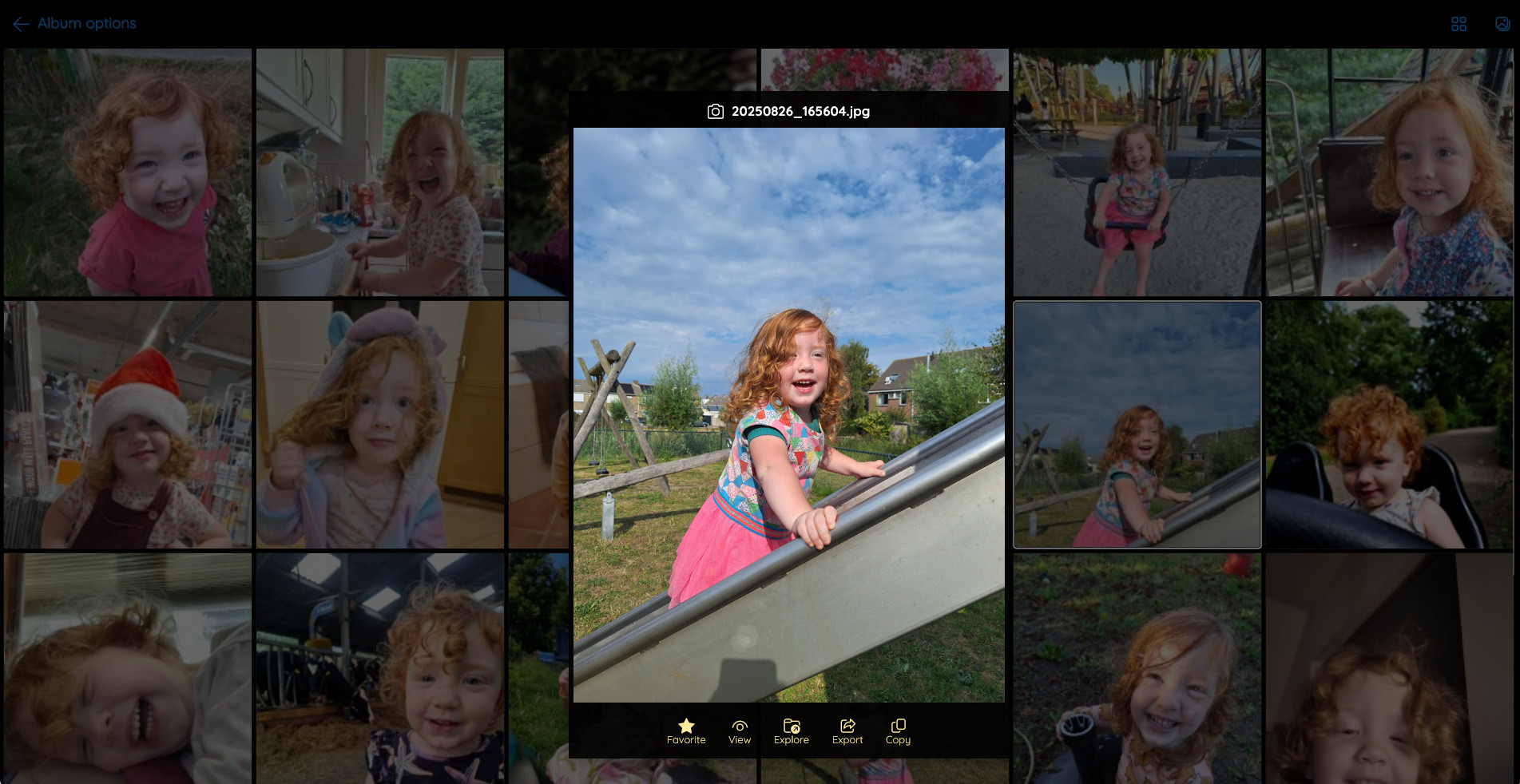
You can also flip through your favorites one by one.
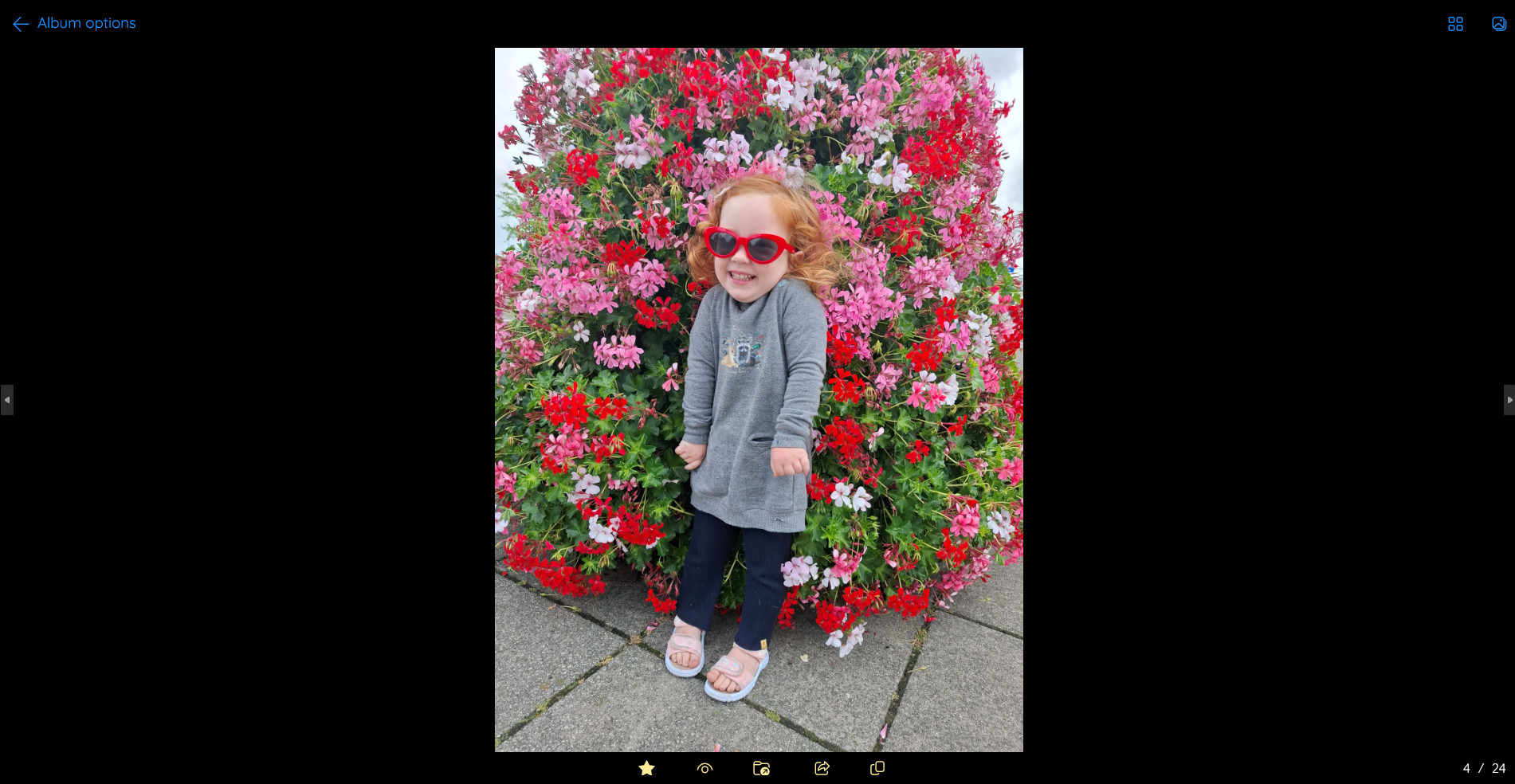
You'll never have to waste time again going through all your folders trying to find your favorite memories.
Export
Export/copy files from your album to a folder of your choosing so you can use them for other things like a printed album, coffee mug or t-shirt.
Customize
You can customize your album using one of the predefined themes.
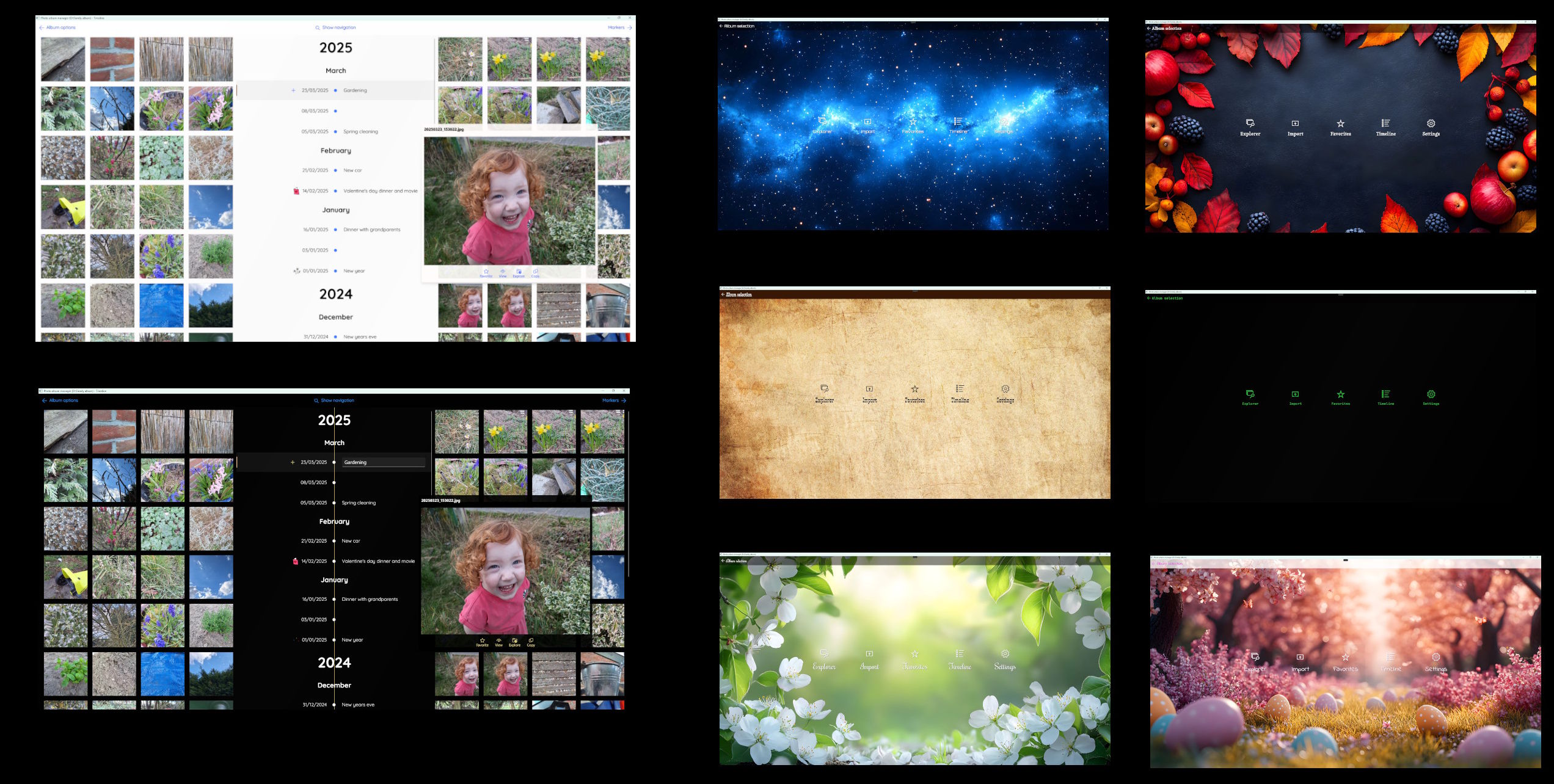
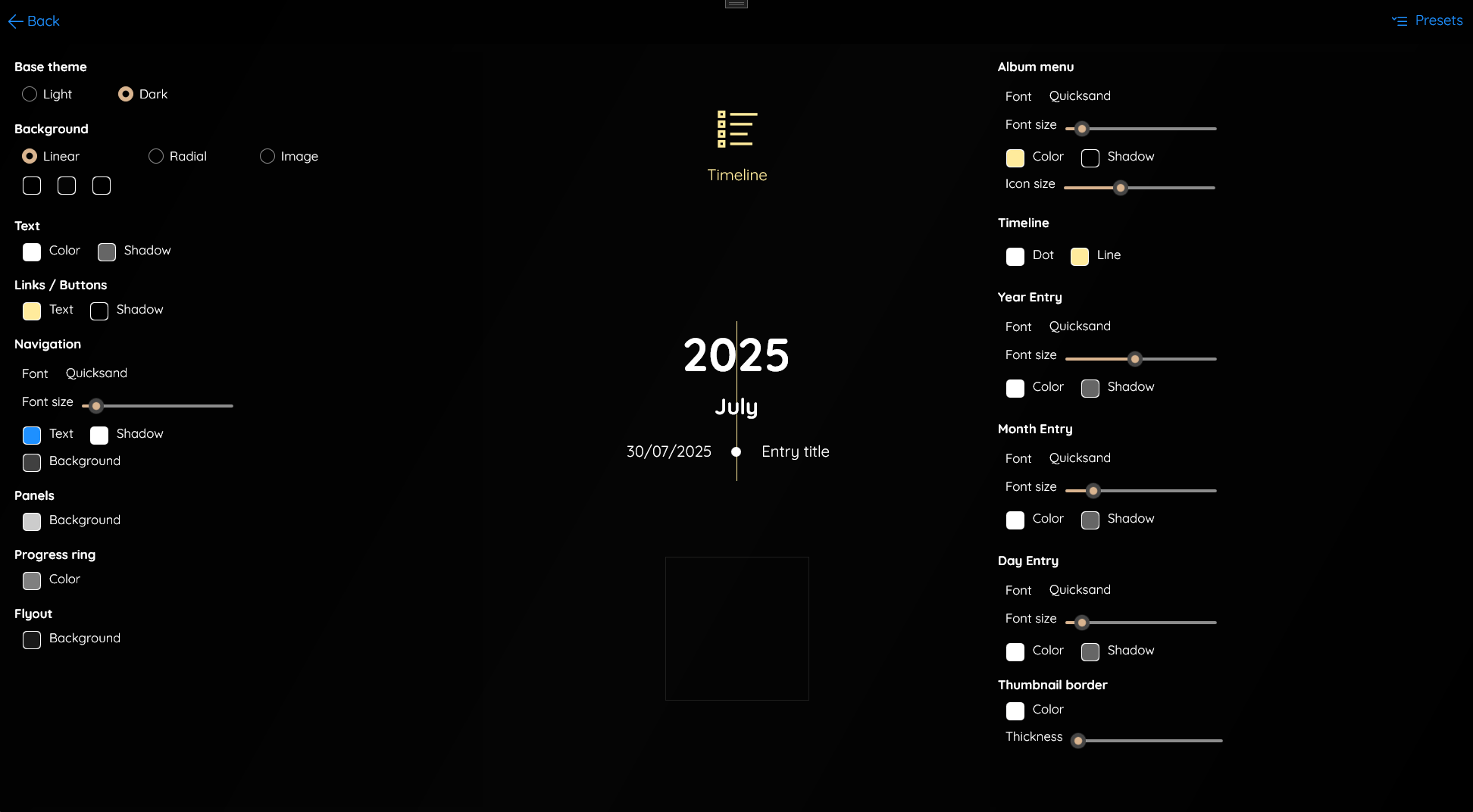
Theme editor
Use the theme editor to make your own custom theme.
Multiple albums
Does every family member want his/her own album? No problem!
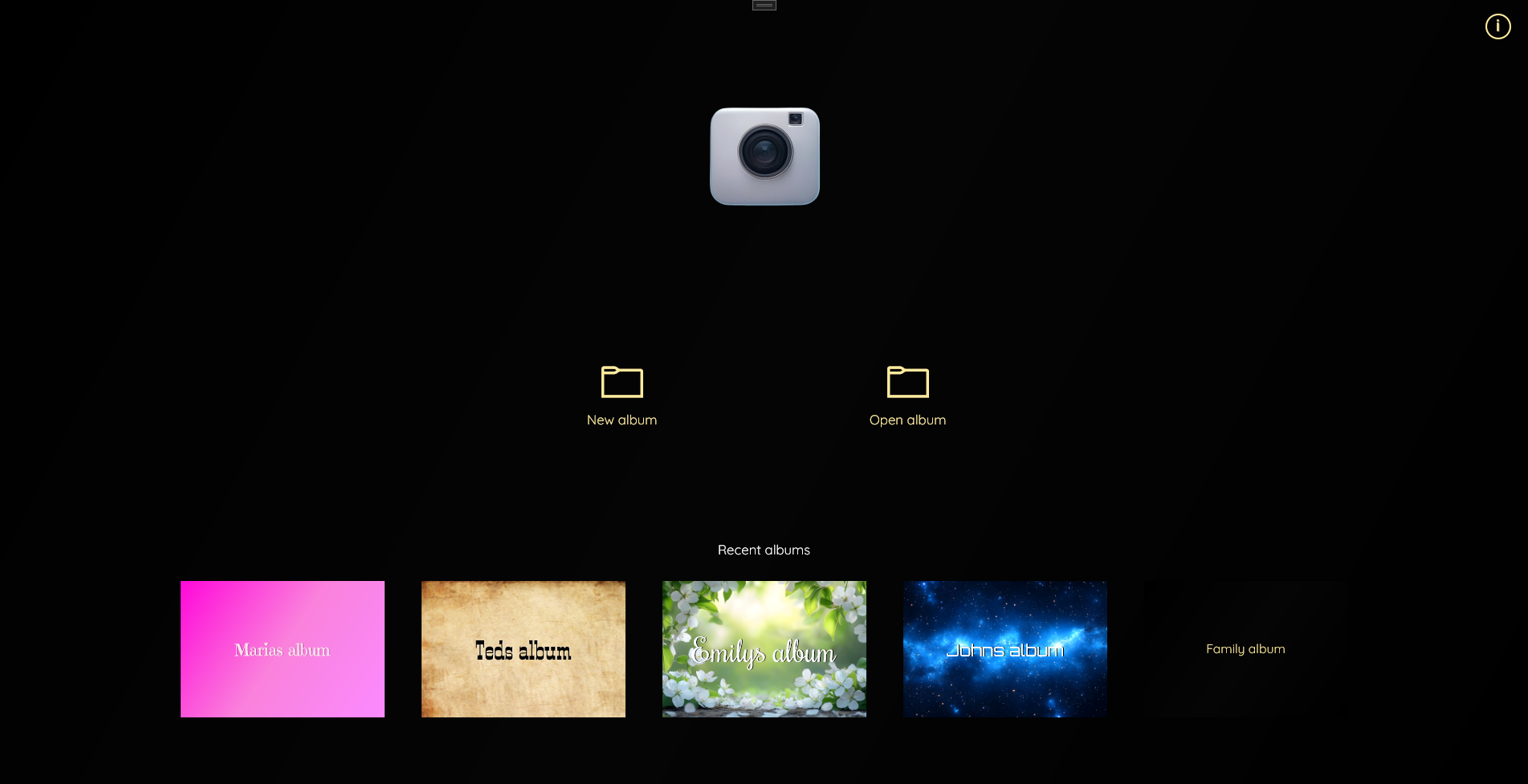
Create and manage as many albums as you want.
100% private
Photo album manager is a product, not a service. No cloud, no servers, just a single purchase and no recurring fees.
All your files stay on your computer.
You are in full control.
Who this app is for
Photo album manager is ideal for families, hobby photographers, travelers, or anyone who values control, simplicity and the ability to look back on memories exactly the way they happened.
30 day free trial
You can try out Photo album manager for free during 30 days.
After the trial period ends you will no longer be able to import and sort files automatically, but all the other functionality will remain available.
Feature requests
If you have a good idea and would like to request a feature, feel free to reach out.
featurerequests@bytefactory.nlSupport
Need help or want to report an issue? Please contact me!
support@bytefactory.nl